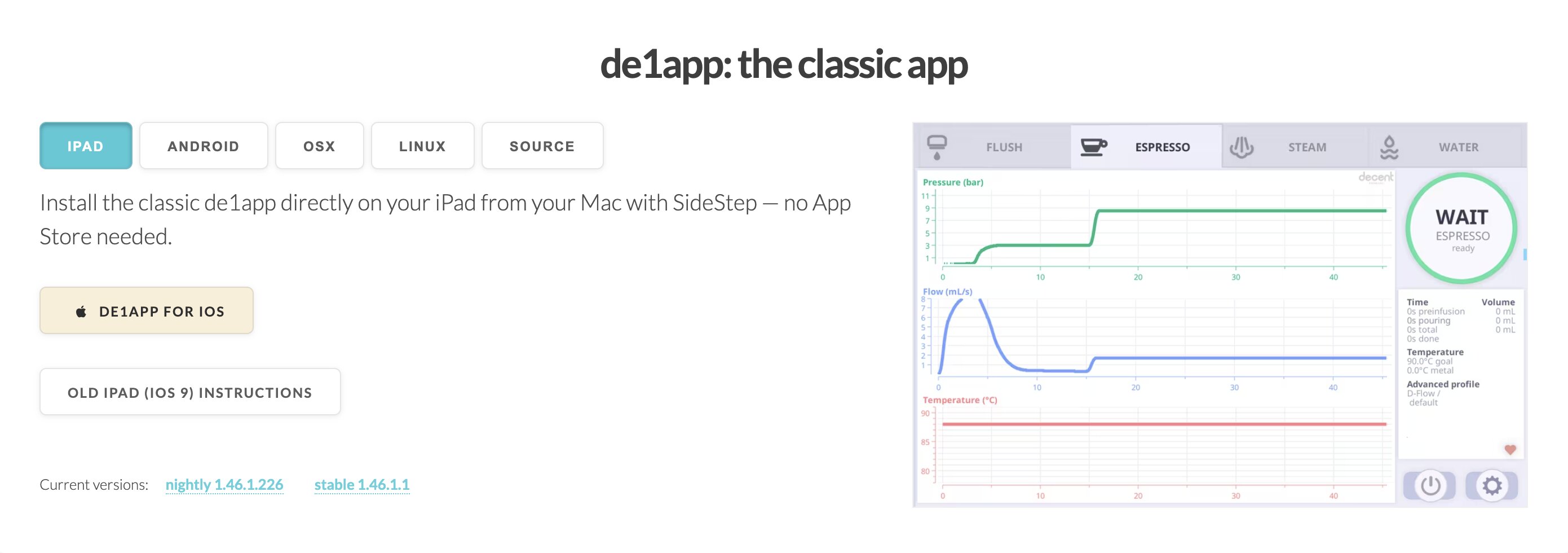
The "classic de1app" got a big refresh today, with quite a few new releases at Espresso Machine Software Downloads - and the downloads page has been totally redone.
tldr: the de1app is now fully functional (talks to your DE1 and scale) on modern iPads, old iPads, Mac OSX and Linux. And there's an easy-to-install Android APK now available.
the iPad version is now stable and ready for use. One click install from your Mac using SideStep (no jailbreak, you enable the "developer mode" option in your iPad settings)
There's an "old iPad" release for those of you with 32bit iPads sitting unused in a drawer.
I have a white iPad 1 mini that works well with this. You have to jailbreak it with Phoenix and then the de1app an easy install with Cydia.
The Android APK version is now stable and fully functional (ie bluetooth) and can be downloaded and then installed directly from your Android web browser
the Mac OSX version is now stable and fully functional (now has bluetooth)
the Linux version is now stable and fully functional (now has bluetooth) for both x86_64 and arm64.
You will need a Linux compatible bluetooth chip or Bluetooth USB dongle. I spent $8 to buy a USBA TP-Link UB500.
The Linux version is distributed as an .AppImage, so you just right-click and tap "Execute". No installation needed.
A note on all these:
All of these are single-file packages, signed and sealed according to each platform's standards.
That means the old approach the de1app took of writing logs, profiles, loading extensions, to /sdcard/de1app/ cannot be done. That would break the seal.
On every OS, the app is read-only, and on first run, copies profiles, logs, extensions, and tcl code to your ~/Documents/Decent/... directory.
If you want to backup your app, or fiddle with the Tcl code, you'll need to look there.
on Android and iPad, if you delete the app, this directory will also get auto-deleted by the OS.
On Android the directory is /data/data/com.decentespresso.de1app/files/Documents/Decent
While on iPad, it's a private, random directory name, like this: /var/mobile/Containers/Data/Application/APP-UUID/Documents/Decent
There is no more "Cloud update app" -- it's no longer possible with this approach, to have more than 1 app icon for 1 app.
If you run into trouble and your de1app no longer works, on iPad/Android you can uninstall and reinstall.
On the other OSes you can find settings.tdb in the ~/Documents/Decent/ and delete it to reset the app settings.
All these versions need the "nightly" track. If you choose "stable" and do an update, you will likely experience bugs.
tag: de1app #ipad #osx #apk #linux
