You can turn a very old iPad into a touchscreen for your Decent Espresso machine. This build runs the classic de1app on 32-bit iPads that Apple stopped supporting years ago. It requires jailbreaking the iPad, so it is more technical than a normal App Store install.
Which iPads work
This version is for 32-bit iPads running iOS 9.3.5 or 9.3.6 (the last iOS these models can run). The supported models are:- iPad 2
- iPad 3 (3rd generation)
- iPad 4 (4th generation)
- iPad mini (1st generation)
The A5 models (iPad 2, iPad 3, iPad mini 1) work, but they are slow: the first launch takes a few minutes while the app copies its files and scales the graphics. Later launches are faster. The iPad 4 (A6) is noticeably quicker. Bluetooth to the DE1 and to supported scales works on all of them.
How to install
The whole install is done on the iPad itself -- no computer needed.
- Jailbreak the iPad with Phoenix. Make sure the iPad is running iOS 9.3.5 or 9.3.6, then follow the guide at phoenixpwn.com. Phoenix is a semi-untethered jailbreak, so you re-run it (tap the Phoenix icon) after each reboot of the iPad.
- Add our Cydia source. Open Cydia, tap Sources, then Edit → Add, type this address and tap Add Source:
http://cydia.decentespresso.com/cydia/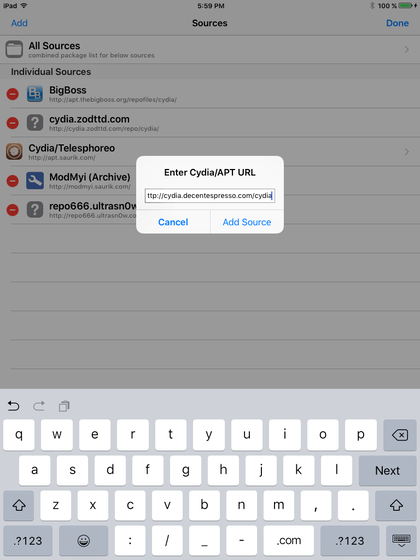
- Open the new "Decent Espresso" source. You will see the package de1app for iOS 9. Tap it.
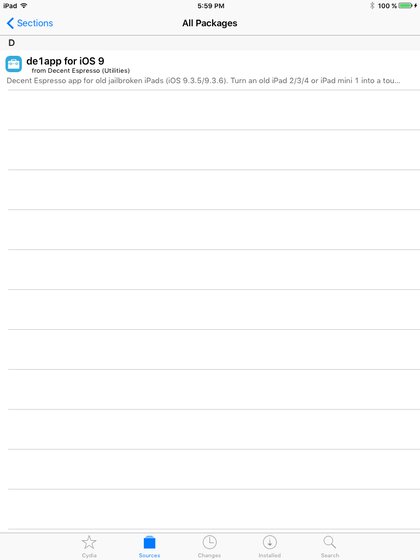
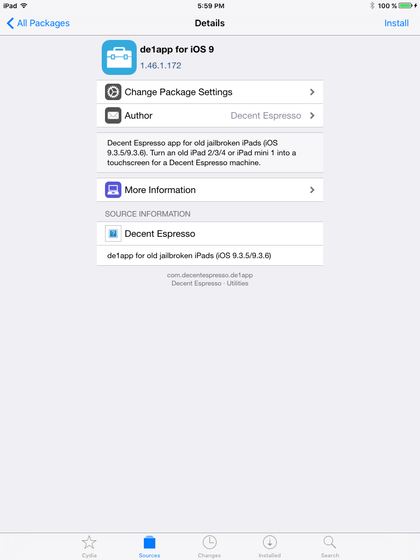
- Tap Install (top right), then confirm.
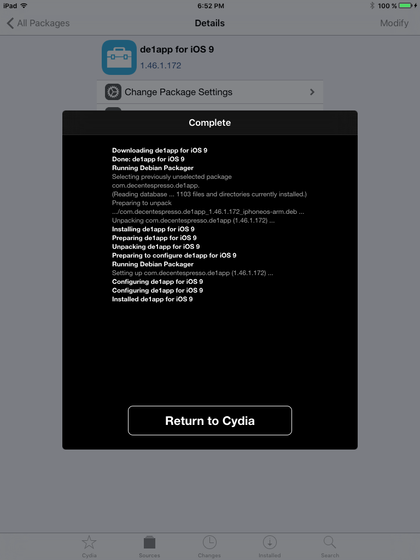
- Wait for it to finish. On old iPads the download and install take a few minutes. When it says Installed de1app for iOS 9, tap Return to Cydia.
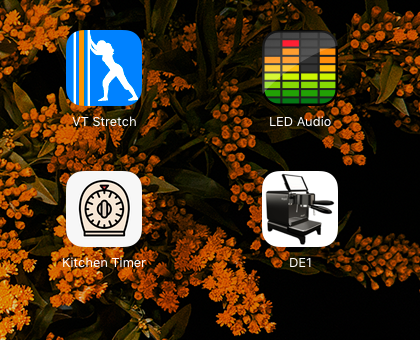
- Launch it. Tap the "DE1" icon that appears on the home screen. The first launch is slow on old iPads -- please be patient while it prepares its files. Later launches are faster.


Prefer to install by hand? The same package is a direct download -- de1app-ios9.deb -- which you can open with Filza or Cydia.
This is a build for hardware Apple no longer supports. Its speed is limited by the old iPad, not by the app.